
Automate loyalty programs for your café, coffee house or restaurant
Your personal loyalty wallet. Download on Google Play!

Fenlora Wallet

Fenlora Wallet – Your Loyalty Cards, Rewards, and Local Offers in One App

Store your loyalty cards, discover nearby businesses, and earn or redeem rewards directly from your phone.

Get It on Google Play
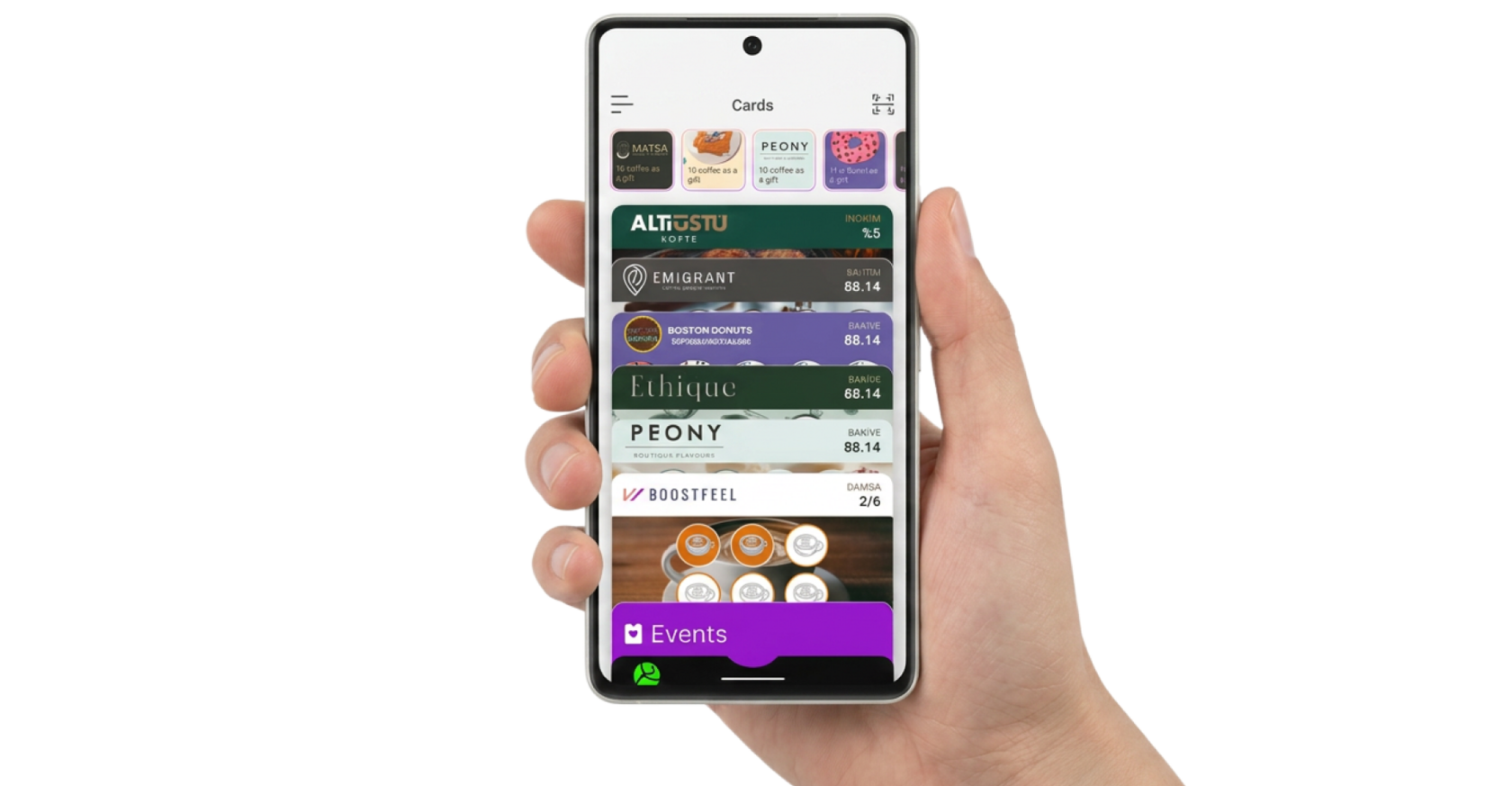
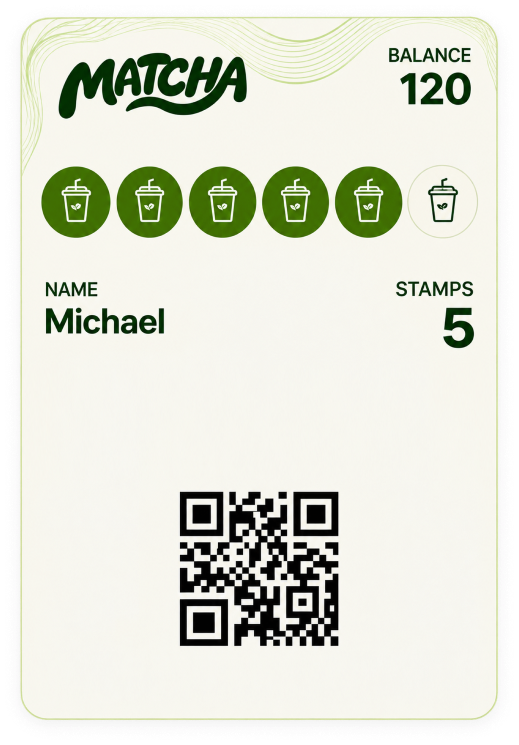
Fenlora Wallet app in a hand: the Cards screen with saved loyalty cards from local cafés and restaurants Matcha digital loyalty card with stamps, balance and a QR code

Help Nearby Customers Discover Your Business

Connect your loyalty program to Fenlora Wallet and make your restaurant or coffee shop discoverable to nearby users.

Benefits for Businesses
  • Location-based discovery

    Reach nearby customers who are already looking for a place to eat or grab a coffee.

  • Visible in Fenlora Wallet

    Show your loyalty program and current offers to nearby Fenlora Wallet users.

  • New guests join in

    Users discover your business, explore available offers and join your loyalty program.

Stay ahead of the curve by leveraging
  • Hyper-personalization

    Offers tailored to each guest’s habits, favorite orders and usual visit times.

  • AI-Assisted Marketing

    Fenlora Joy helps plan campaigns and write messages that bring guests back.

  • Digital Loyalty Cards

    Cards live in the guest’s phone wallet — no plastic, no extra app to download.

Everything Your Rewards Need in One App

Download Fenlora Wallet to discover nearby restaurants and coffee shops, view available offers, and keep your loyalty cards in one place.

  1. Fenlora Wallet splash screen on a phone after installing the app from Google Play
    Step 1

    Download the app from Google Play and set up your Fenlora Wallet.

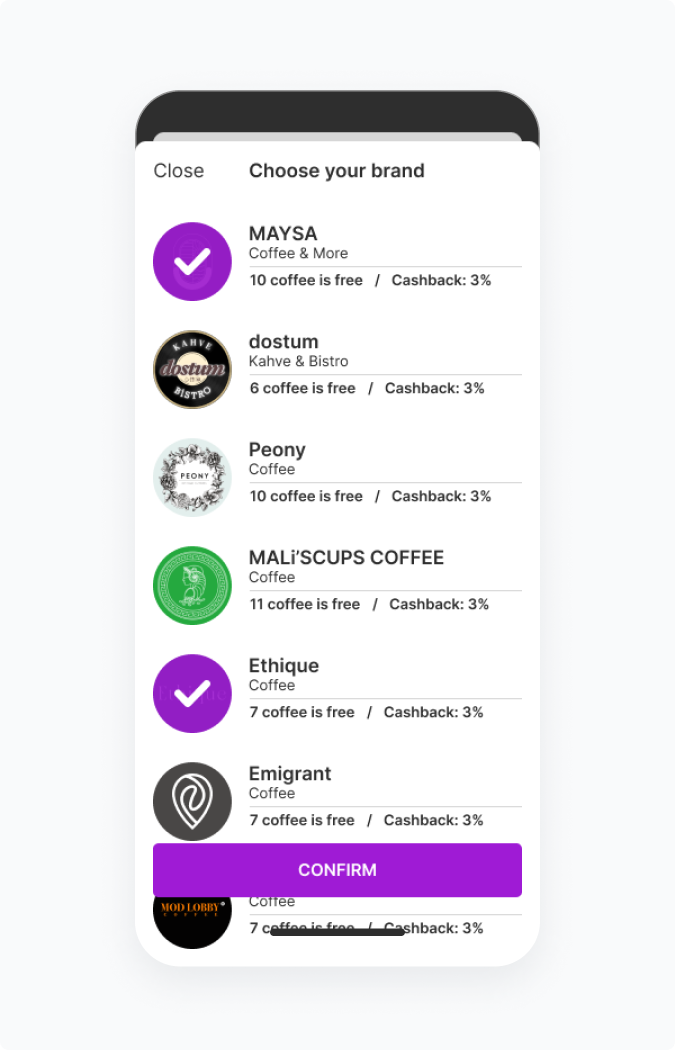
  2. Choose your brand screen listing participating cafés and restaurants with their offers
    Step 2

    Browse participating restaurants and coffee shops and explore their current offers.

  3. Loyalty card with stamps and a QR code to show at checkout
    Step 3

    Present your QR code at checkout to redeem available rewards.

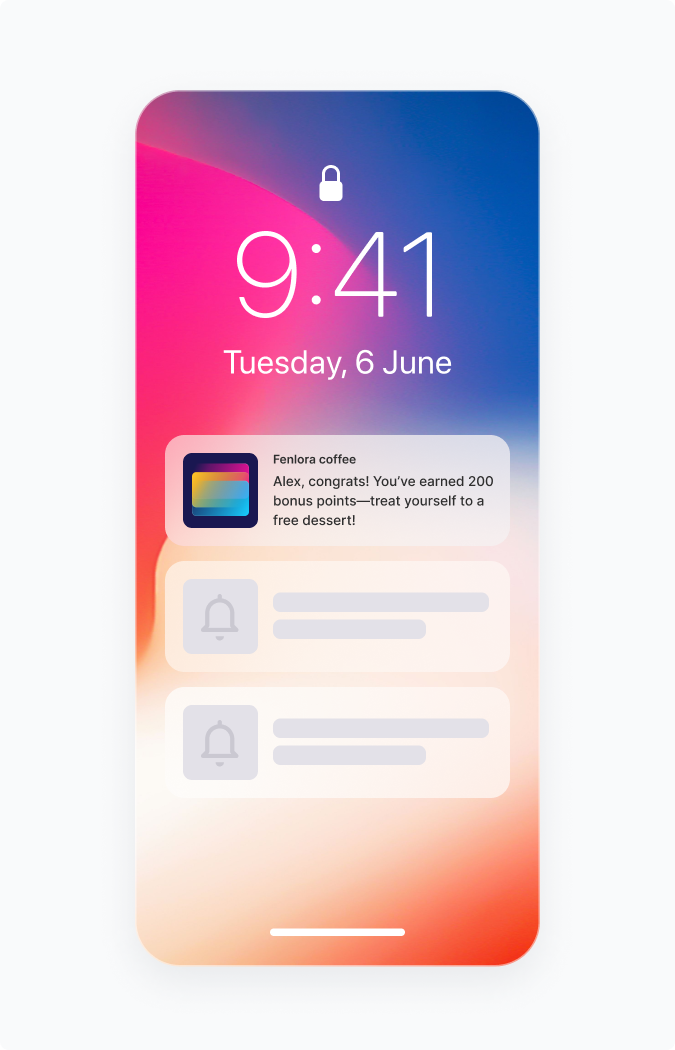
  4. Lock screen notification about points earned in Fenlora Wallet
    Step 4

    Earn points or collect stamps and redeem them for available rewards.

Fenlora Wallet for guests

Discover Rewards and Offers Near You

See which cafés and restaurants nearby have rewards for you, and keep all your loyalty cards in one free app.

Get It on Google Play

Promote Your Business Inside Fenlora Wallet

Fenlora Ads helps businesses promote their offers through in-app stories, map visibility, and banner placements.

In-App Stories

Publish visual, time-sensitive offers that users can browse inside Fenlora Wallet.

In-app story from a café with a QR code offer inside Fenlora Wallet

Location-Based Discovery

Help nearby users find your business on the map and view your current offers.
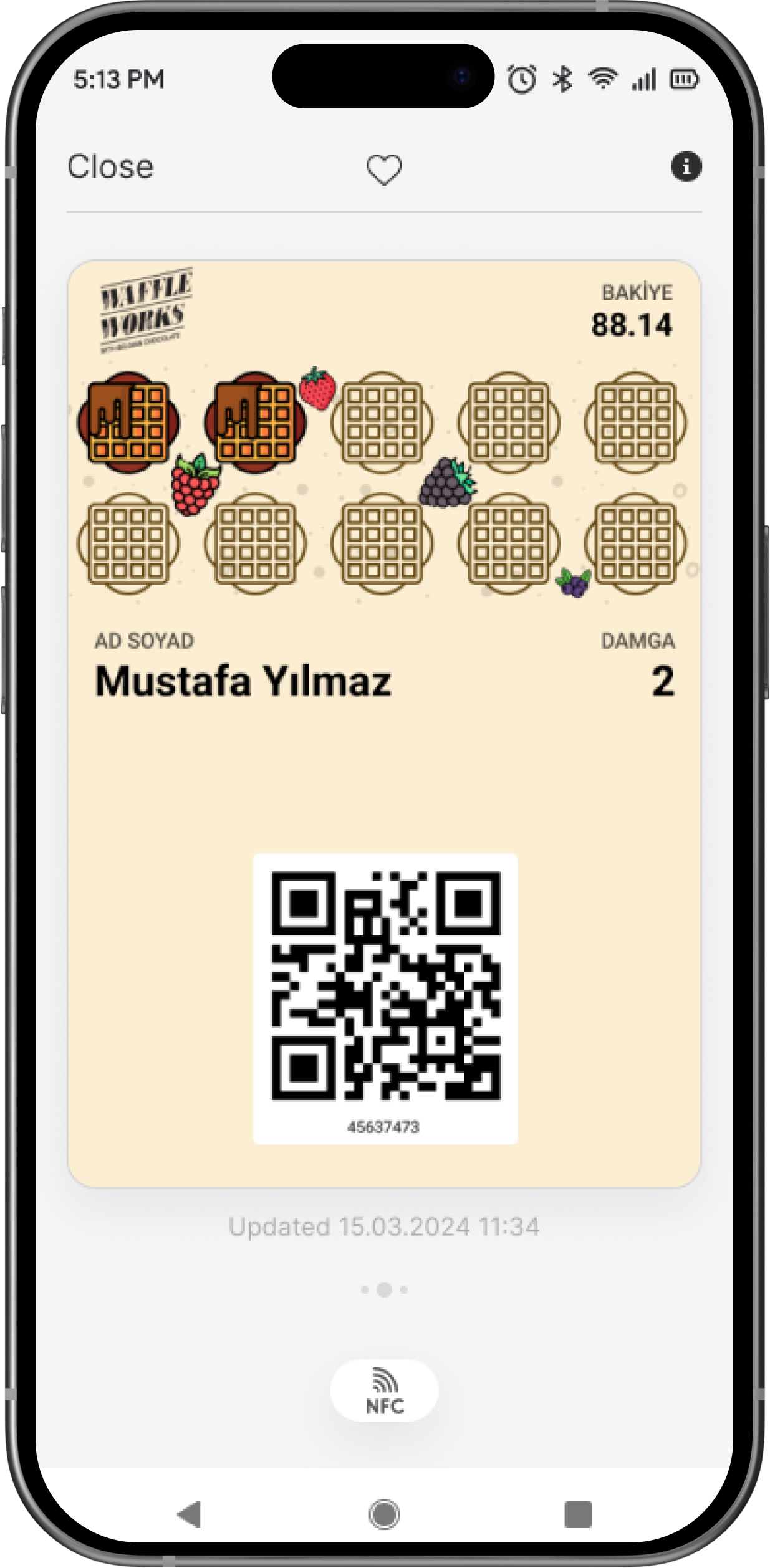
Business loyalty card with stamps opened from the Fenlora Wallet map

In-App Banners

Highlight selected campaigns with prominent banner placements.
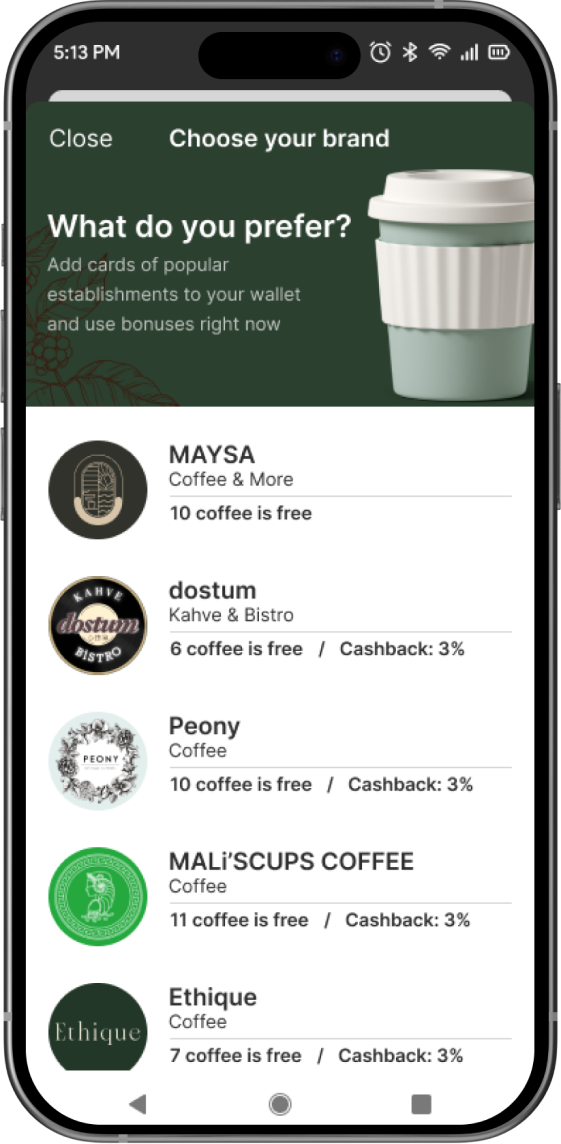
Promotional banner above the list of brands in Fenlora Wallet

Connect with existing customers and introduce your business to nearby Fenlora Wallet users

Download on Google Play
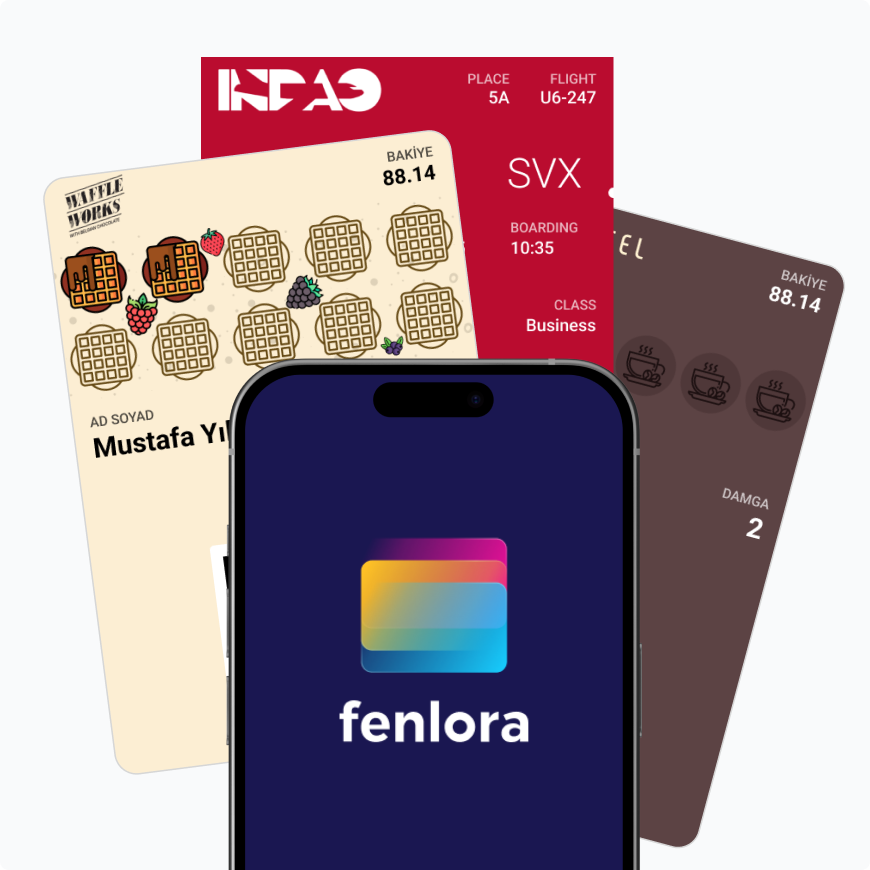
Fenlora Wallet on a phone surrounded by digital loyalty cards from local cafés

Fenlora Wallet: Benefits You’ll Love

  • All your favorite spots with rewards in one app
  • Easy to install and even easier to use
  • Lightweight app size—just 11 MB
  • No spam or hidden fees
  • Free customer support
  • Advanced data security for peace of mind

Special Offer for Developers

Fenlora Wallet makes integration seamless
  • Open API for quick implementation
  • Comprehensive developer documentation
  • Free technical support
  • Ready-to-use templates for loyalty cards
Fenlora developer API code snippet for loyalty card integration

Your next chapter starts here

Download Fenlora Wallet now on Google Play!

Download